
Is Your LinkedIn Profile Costing You Job Opportunities?
March 2, 2026

Is Your LinkedIn Profile Costing You IT Opportunities?
When was the last time you updated your LinkedIn profile?
In our recent LinkedIn poll, 66% of respondents said they updated their profile within the last three months — but that means 34% have not updated in six months or longer, including 17% who haven’t touched it in over a year.
For IT professionals, that gap can mean missed opportunities. Recruiters rely heavily on LinkedIn to identify, evaluate, and connect with talent. If your profile doesn’t reflect your current skills, certifications, tools, and accomplishments, you may not appear in recruiter searches — or worse, you may appear misaligned with the types of roles you actually want.
LinkedIn is often the first impression potential employers have of you. Keeping it current ensures they can confidently present you for new opportunities that support your long-term career growth.
Why This Matters for IT Professionals
Technology is changing, and quickly. Certifications expire. Platforms change. New tools emerge. Projects scale.
If your profile still reflects what you were doing two years ago instead of what you’re doing now, potential employers won’t know:
- That you’ve led a cloud migration
- That you earned a new Agile or Epic certification
- That you’ve implemented AI/ML use cases
- That you’ve transitioned from hands-on engineer to team lead
- That you’ve gained experience in regulated industries like healthcare, financial services, or government
Recruiters search by
skills, tools, certifications, industries, and measurable impact. If those keywords aren’t in your profile, you’re far less likely to be discovered for the right roles.
What IT Professionals Should Update — and How
Here are the most important areas to review and refresh:
1. Your Headline (Make It Strategic)
Your headline should go beyond your job title.
Instead of: Senior Developer
Consider: Senior Full-Stack Developer | .NET & React | Cloud-Native Applications | Healthcare IT
This helps recruiters immediately understand your specialization and industry focus.
2. Your About Section (Clarify Your Value)
Use this space to explain:
- What you specialize in
- The environments you’ve worked in
- The types of problems you solve
- The impact you deliver
Keep it focused on outcomes and strengths, not just responsibilities.
3. Experience Section (Focus on Results, Not Duties)
Avoid listing generic responsibilities. Instead:
- Include tools and technologies used
- Mention project scope and scale
- Add measurable outcomes when possible
Example:
- Led Azure cloud migration for 200+ user environment, reducing infrastructure costs by 25%
- Supported Epic Cadence optimization across multi-hospital health system
- Implemented CI/CD pipeline reducing deployment time by 40%
Recruiters scan for specifics; platforms, frameworks, environments, compliance experience, and leadership scope.
4. Skills & Certifications (Keep Them Current)
Add:
- New certifications (AWS, Azure, Epic, Agile, PMP, Security+, etc.)
- New technical tools
- Emerging technologies you’re actively using
Reorder your top skills so they align with where you want your career to go, not just where you’ve been.
5. Open to Work & Recruiter Visibility Settings
Make sure your settings accurately reflect:
- The types of roles you’re open to
- Geographic preferences
- Remote vs. hybrid flexibility
- Employment type (contract, contract-to-hire, permanent)
- Use the ‘Open to Work’ banner if you are actively seeking new opportunities
This helps recruiters approach you with relevant opportunities.
6. Activity & Engagement
Even occasional engagement like sharing an article, commenting thoughtfully, or posting about a recent project milestone, keeps your profile active and signals professional involvement in your field.
7. Add a LinkedIn Verification Badge — And Why It Matters
LinkedIn now offers profile verification badges, and for IT professionals, this is an easy way to build trust and stand out to recruiters.
When you click “Add verification badge” on your profile, LinkedIn may offer options to verify your identity, workplace, or education (availability can vary by region). Once verified, a small badge appears on your profile confirming that key details have been authenticated.
What a Verification Badge Means
A verification badge signals that LinkedIn has confirmed certain information on your profile, such as:
- Identity verification (confirming you are who you say you are)
- Workplace verification (confirming employment through your company email domain)
- Education verification (confirming attendance at a listed institution)
In a market where recruiters review hundreds of profiles, that small badge can immediately increase confidence and reduce hesitation when reaching out. For IT professionals working in regulated industries like healthcare, financial services, or government where credibility and trust are verified, adds another layer of professionalism.
Helpful Resources for Updating Your Profile
If you’re not sure where to start, here are some reputable guides with practical advice:
Linkedin Edit Your Profile
Forbes: 3 Simple Ways to Make LinkedIn Work for You in 2026
A Final Thought
Recruiters don’t just look at LinkedIn when you apply for a job. They use it every day to proactively identify IT professionals for new opportunities, often before those roles are widely advertised.
An updated LinkedIn profile ensures:
- You’re discoverable
- You’re aligned with the right opportunities
- Your experience reflects your growth
- Recruiters can confidently advocate for you
If it’s been more than six months since you’ve made an update, now is the time.
Your next opportunity might already be searching for you, make sure your profile is ready when it’s found.
If you are thinking about your next move in 2026, the best place to start is by seeing what opportunities are available right now. Visit the
Talent Groups jobs board to explore open roles, learn more about what hiring teams are looking for, and apply to positions that match your skills and interests.
By Amy Carabase
•
October 13, 2026
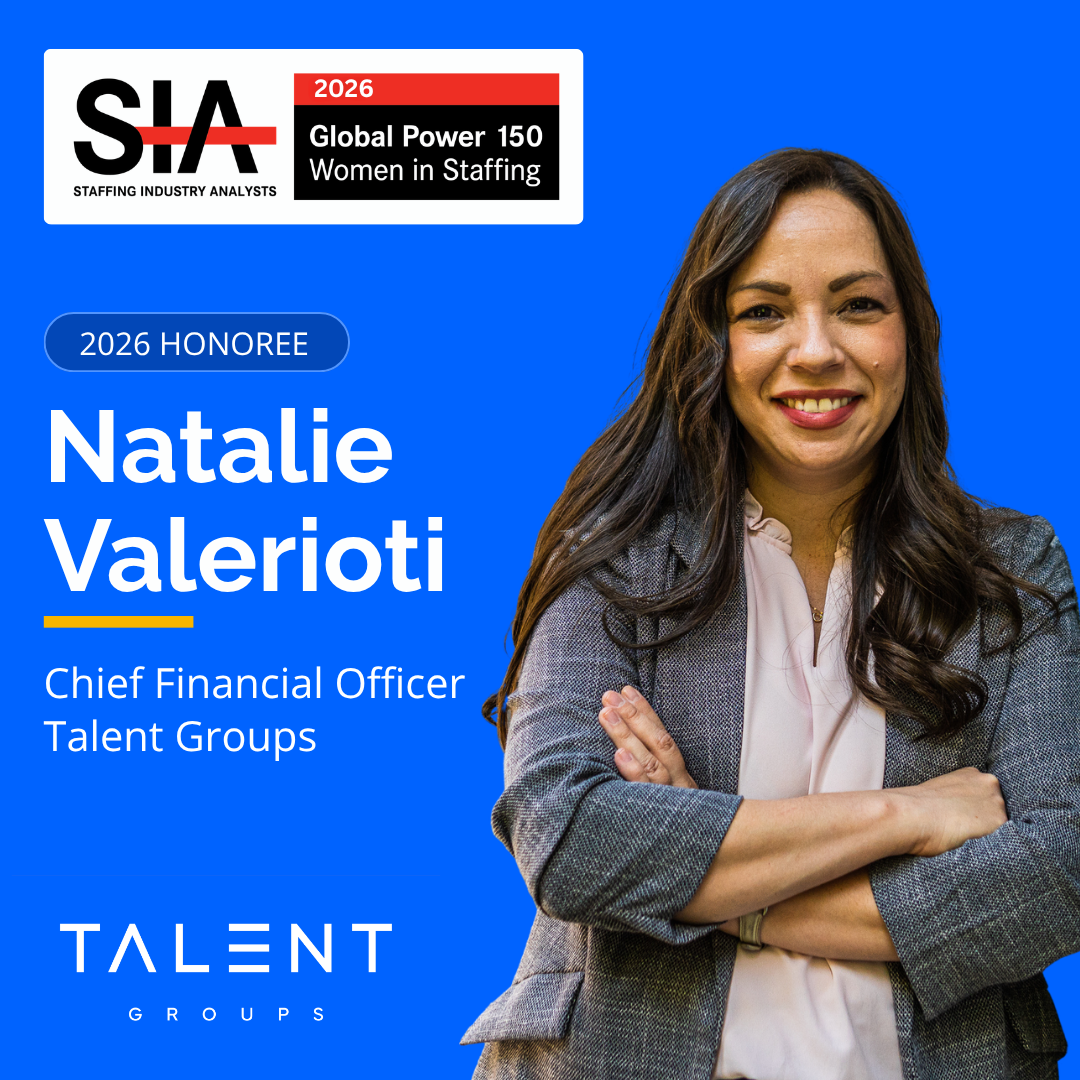
Talent Groups CFO Natalie Valerioti is named to SIA’s 2026 Global Power 150 Women in Staffing, recognizing her leadership and impact on the staffing industry.
By Amy Carabase
•
September 28, 2026
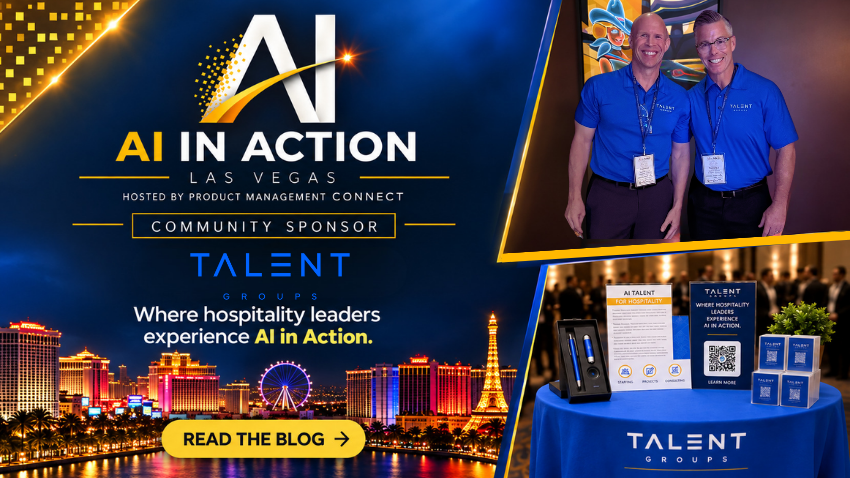
Key takeaways from AI in Action Las Vegas on practical AI adoption, operational value, governance, talent strategy, and keeping people at the center.

By Amy Carabase
•
September 21, 2026
Discover why today’s IT talent challenge is about skills, not headcount, and how organizations can close gaps across AI, cloud, data, and cybersecurity.